Starter
For a handful of client sites.
Billed once. Yours forever.
$39/yr
Billed yearly.


Native Divi 5 Module
Zoom into image detail on hover.
Ask AI about the Divi Image Zoom module
A product or detail photo benefits from letting a visitor look closer, and a plain CSS hover-scale just enlarges the same low-resolution file, which looks soft up close.
Image Zoom takes two files: the image shown at rest, and a separate, higher-resolution image shown inside a magnifying lens on hover. The zoomed view is genuinely sharper because it is a different file, not a stretched one.
Hover this to see the live module.
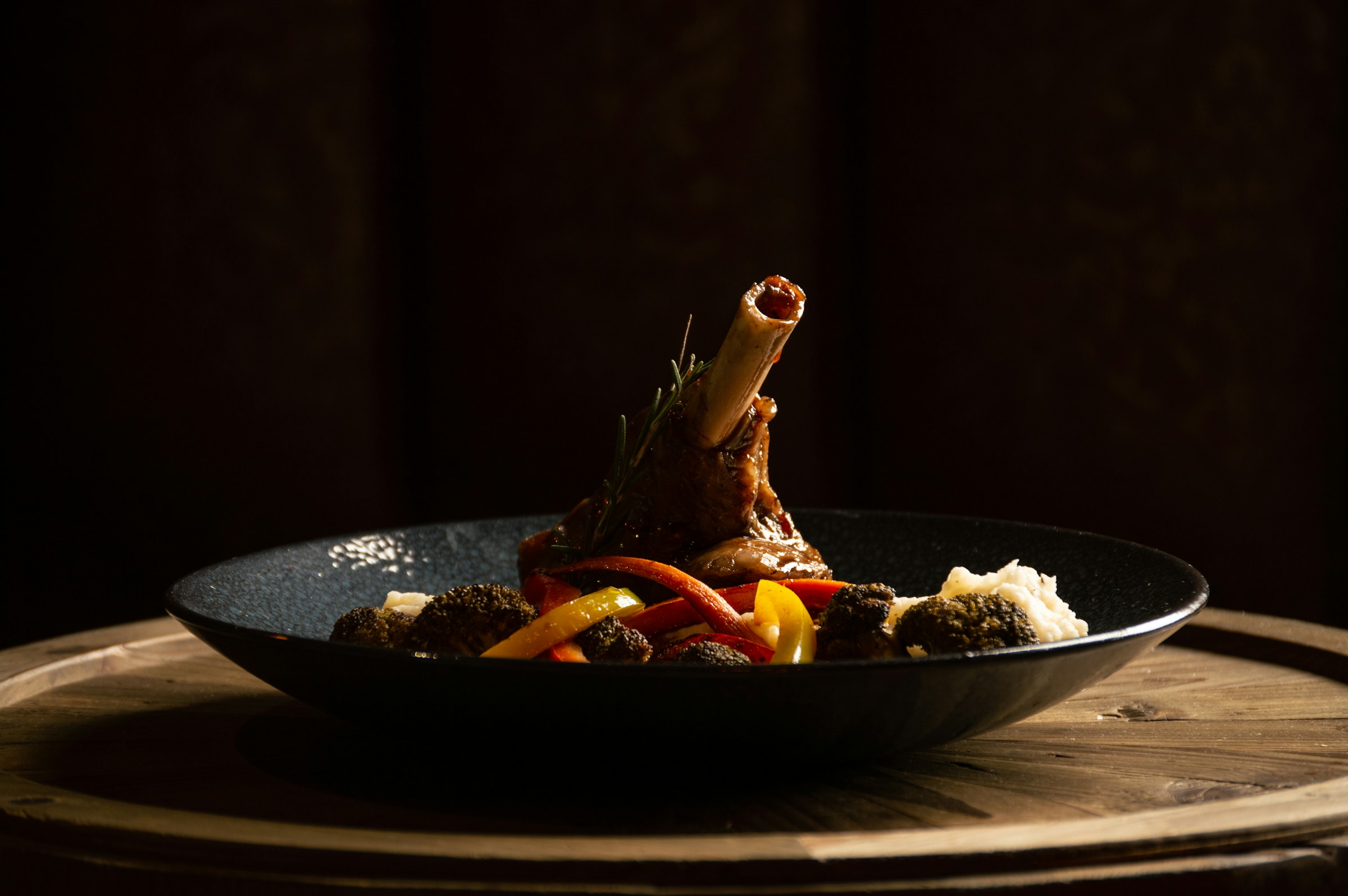
What you get out of it
Every option below ships in Divi Torque Pro.
This is the live module. Hover the image to see the magnifying lens.
Hover to zoom
The lens follows the cursor, reading from a separate high-resolution file.
A faster zoom, no shadow
Speed and Use Shadow are independent settings from the images themselves.
Fast, flat lens
A quicker transition, shadow switched off.
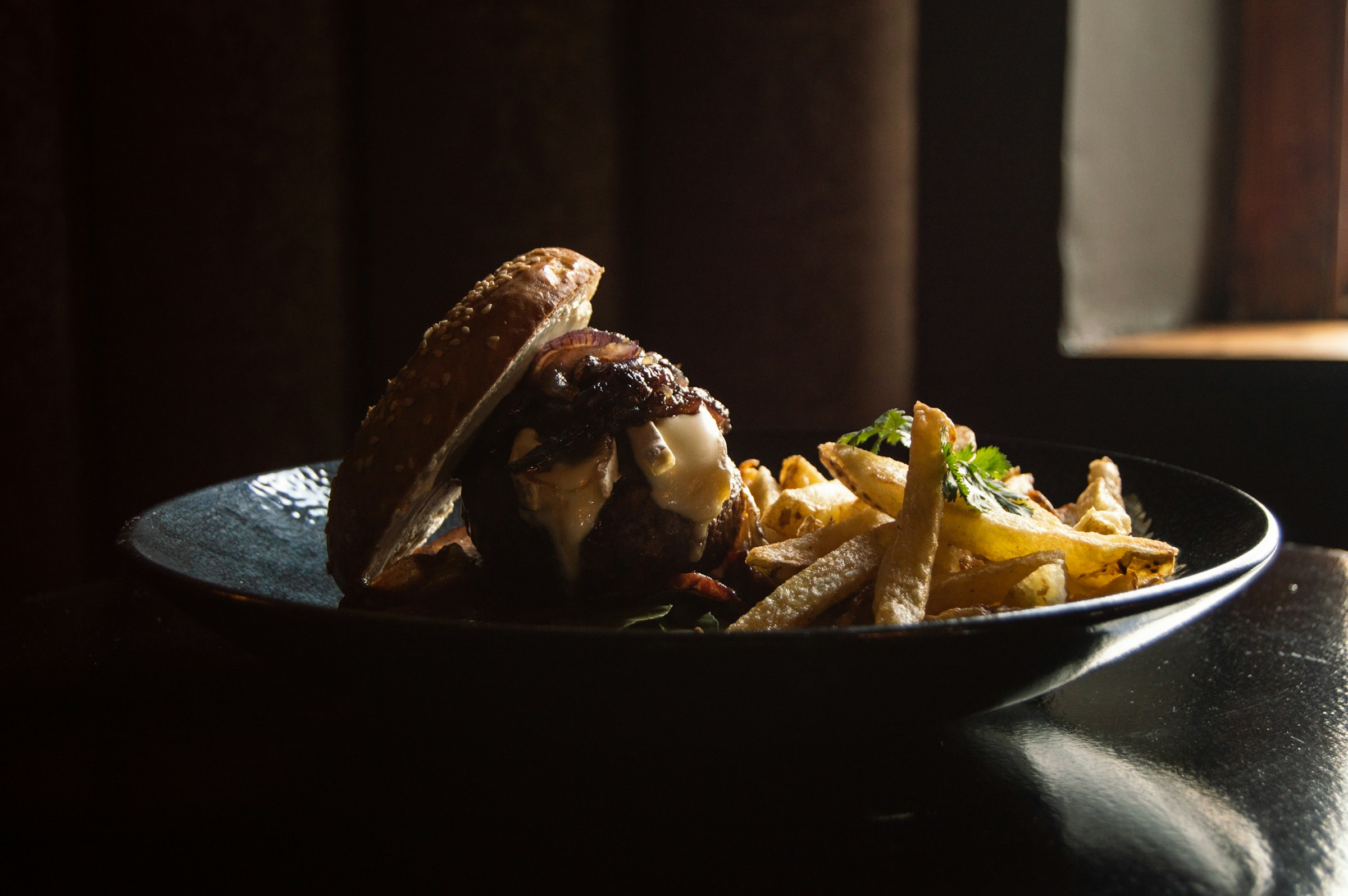
Three steps, and none of them involve custom CSS.
Short answers, all of them checked against what the module actually does.
Every plan includes all 98 Divi modules. The Unlimited plan covers every site you build.
4.7★ from 116 reviews on WordPress.org
For a handful of client sites.
Billed once. Yours forever.
Billed yearly.
Every site you will ever build.
Billed once. Yours forever.
Billed yearly.
Everything in Unlimited, plus a second plugin: Saddle Pro, so AI agents can build your site.
Billed once. Yours forever.
Billed yearly.
Unlimited · Lifetime
$249
$149
once
Unlimited sites. All 98 modules and 9 extensions, native on Divi 5, with every update. Lifetime is honored forever, in writing. Less than two years of Unlimited at $79/yr, forever.
Get Lifetime, $149 Compare all plans30-day money-back guarantee.