












New here? Get 40% off Lifetime plans.

See pricing
Skip to content

Native Divi 5 ModulePro

Divi Filterable Gallery

The Filterable Gallery module lets you display images in a customizable gallery with various filtering options.

Why use the Divi Filterable Gallery module?

A portfolio with forty images in one grid is a wall. People scroll past it because there is no way to say "only show me the interiors". Splitting it into four pages instead means four URLs and four places to keep updated.

This module keeps one gallery and puts a filter bar above it. Click a category and the grid reflows to the images in it, in place, without a page load. The categories come from the images themselves, so adding a photo to a category is a media library edit rather than a layout change.

The grid beside this is the live module.

What you get out of it

Filter in placeThe grid reflows on the same page. No reload, no second URL, no duplicated set of images.Grid or masonryA square grid for a tidy set, or masonry when the images are different shapes and cropping would hurt.One to six columnsSet the count for desktop, tablet and phone separately, so a six across wall becomes two across on a handset.A real lightboxClick through to a full size viewer with zoom, slideshow, full screen and a thumbnail strip, each one switchable.Or send clicks somewhere elseThe file, the attachment page, a custom link per image, or nothing at all if the gallery is just to look at.Pagination when it is longShow a fixed number per page and the rest arrive on click, which keeps a big archive from becoming a scroll.

Everything the Divi Filterable Gallery module does

Every option below ships in Divi Torque Pro.

Grid or masonry layoutOne to six columnsA separate column count per breakpointGutter between the itemsFive image sizes to render fromA filter bar built from the imagesAn All filter with your own labelFilter bar alignment and spacingFilter colours, border and font, normal and activeHide the filter bar entirelyClick to open a lightboxOr the file, the attachment page, or a custom linkSix lightbox controls, each switchableCaptions from the image title or its descriptionHover overlay colour and opacityPagination with a set number per pagePagination colours for normal and activeCustom CSS hooks for the gallery, filters, items and images

See the Divi Filterable Gallery in action

Every gallery below is the live module, not a picture of one. Click a filter and the grid reflows in place.

One gallery, filtered in place

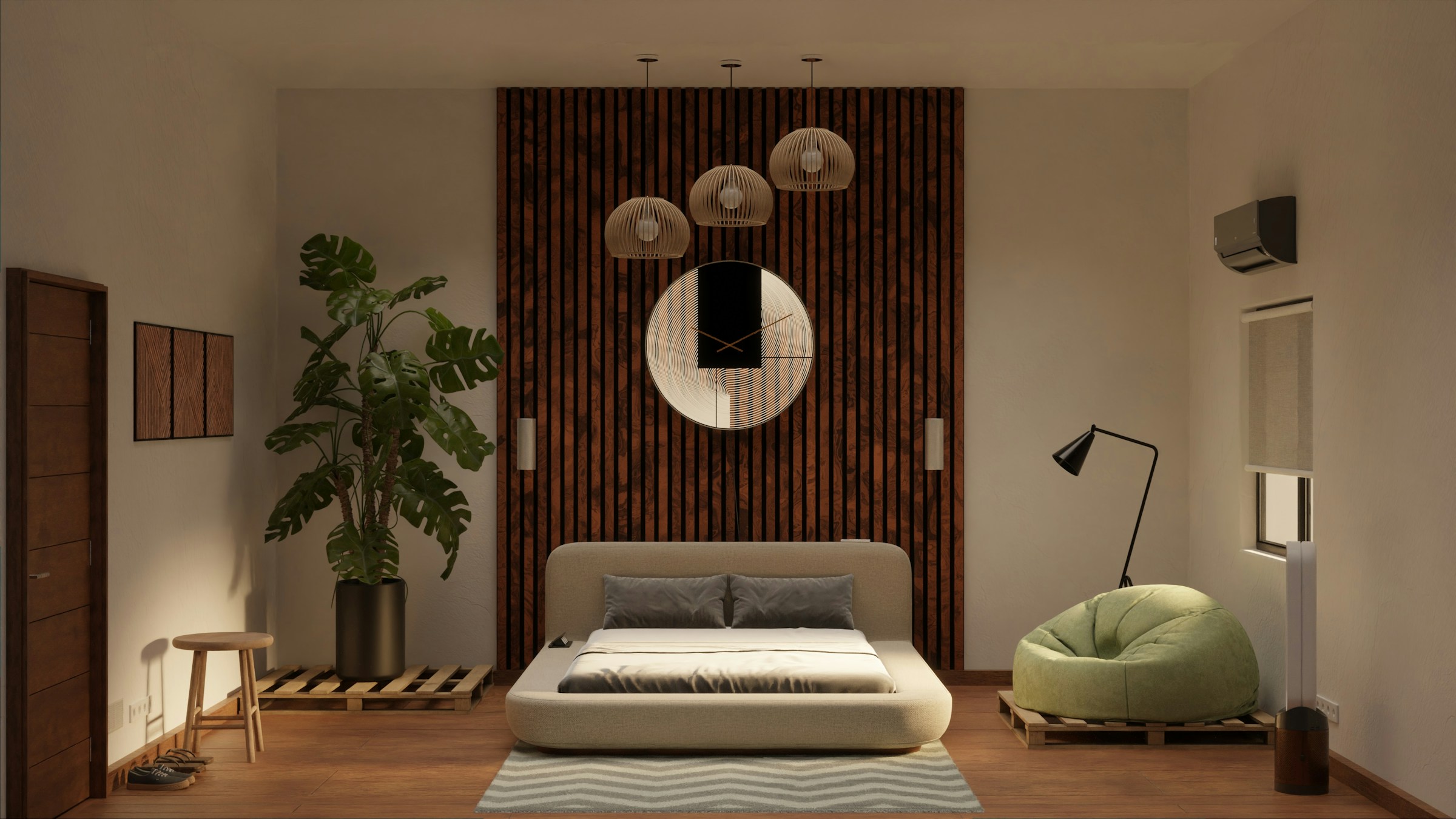
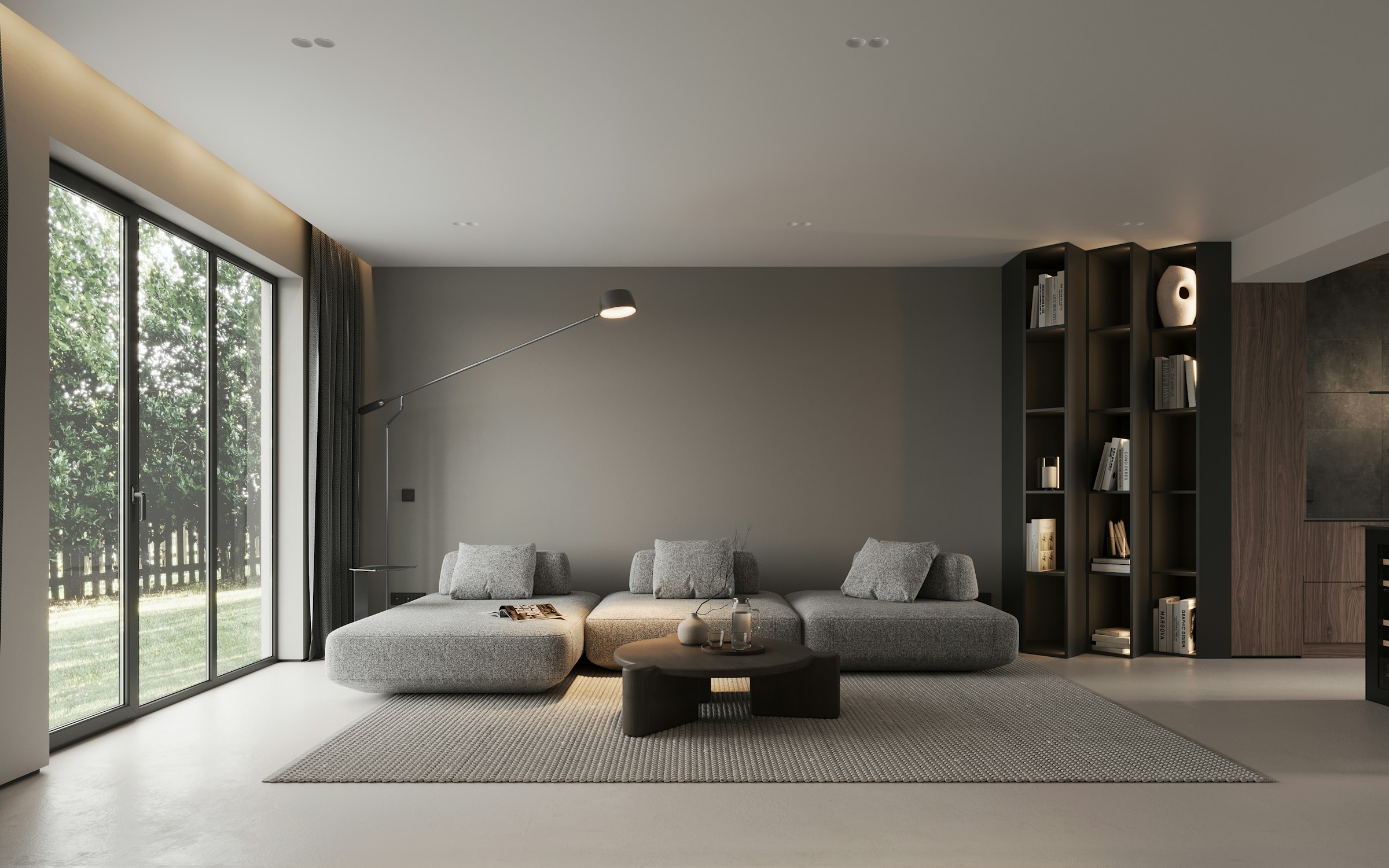
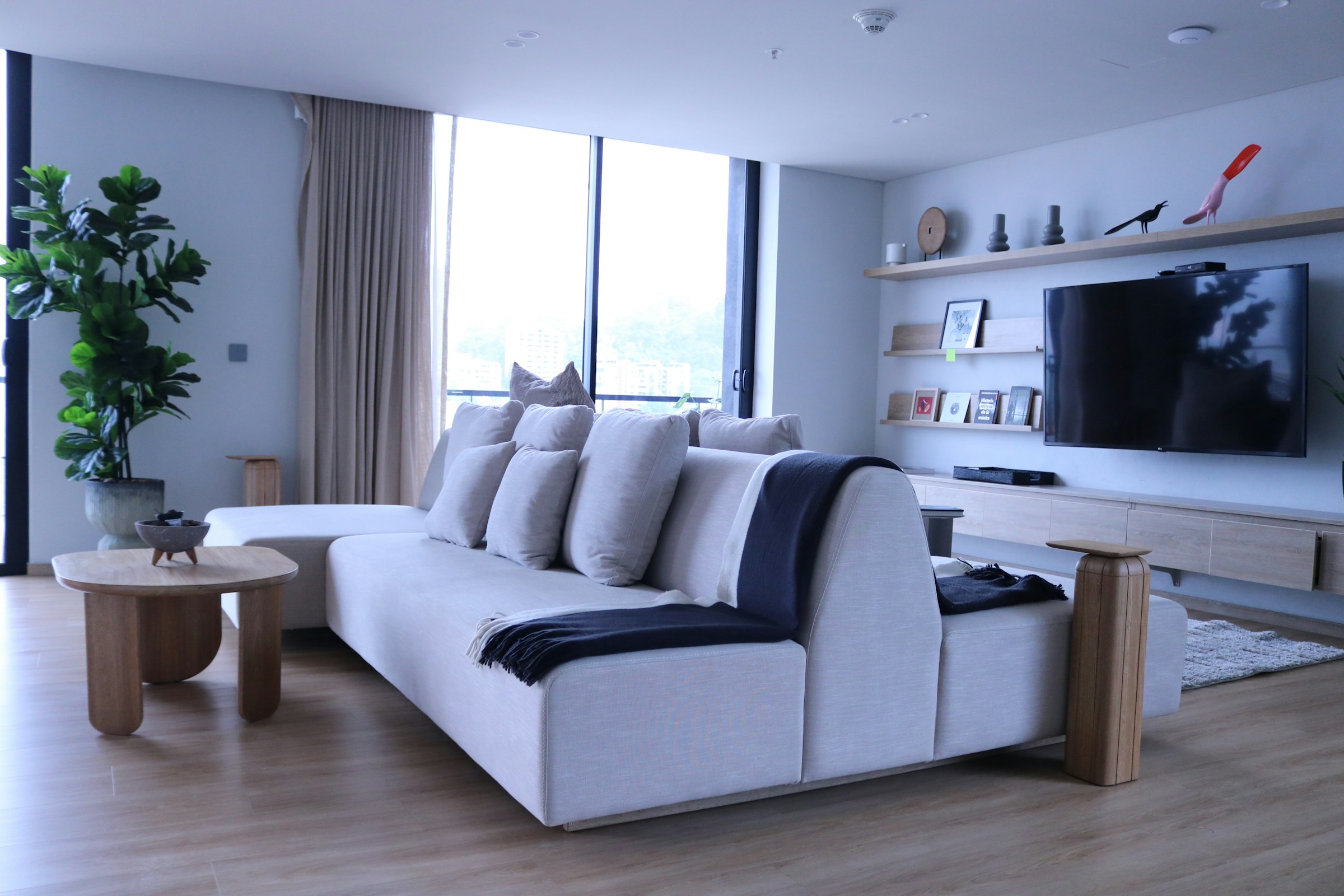
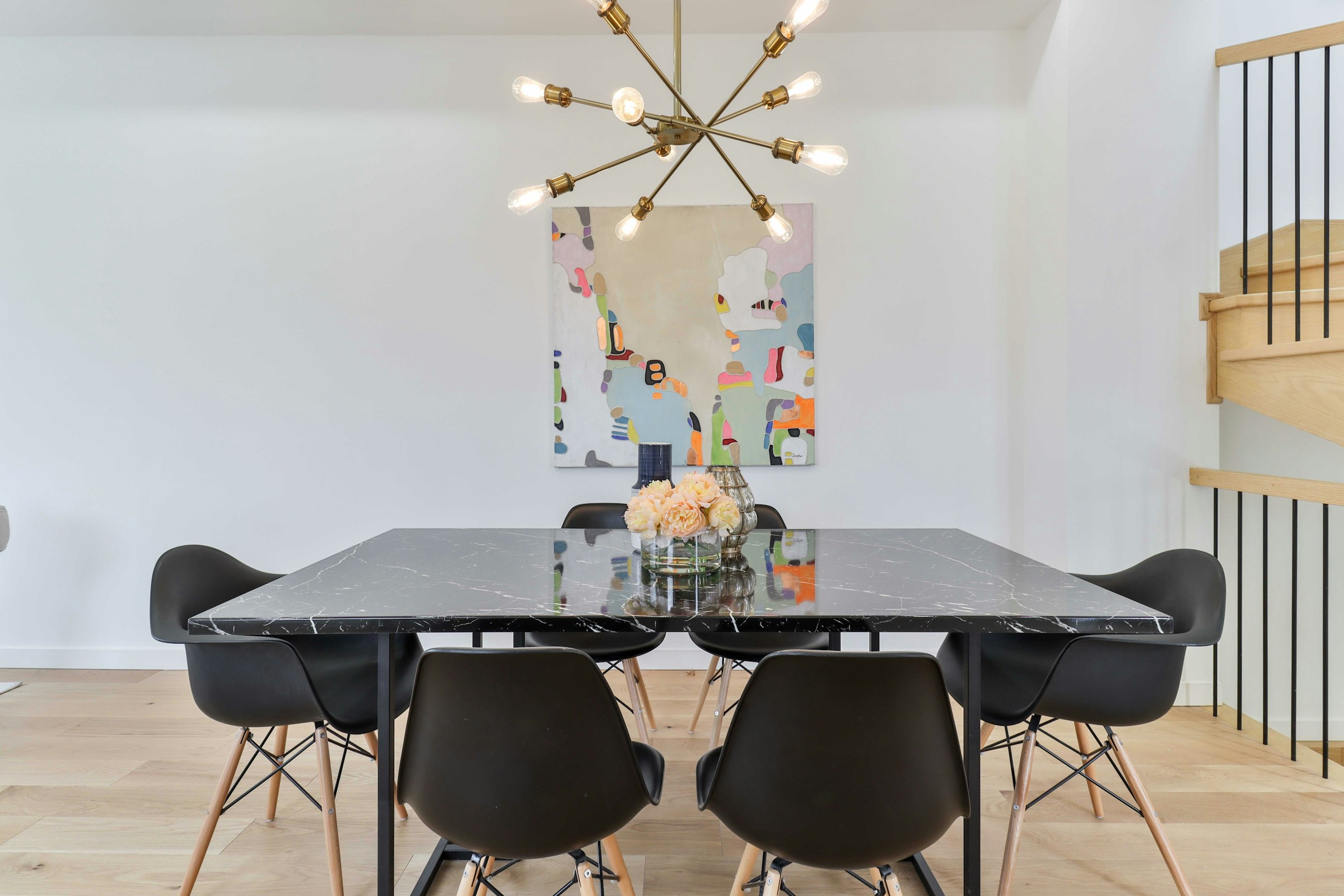
Nineteen photographs in a single gallery. The categories are set on each image, so the filter bar builds itself from whatever is there.

Masonry, when the shapes vary

A grid crops everything to the same square. Masonry keeps each image its own height and packs the column instead.

Masonry

The same nineteen images, packed rather than cropped, at three across.

Captions, and the hover overlay

The caption comes from the image itself in the media library. The overlay behind it takes its own colour and opacity.

Captions on

Each image describes itself over a violet overlay on hover. Title and description are separate switches.

A long set, one page at a time

Pagination holds the page height down. This one shows eight at a time out of nineteen.

Eight per page

The filter bar and the pagination work together, so a filtered view paginates too.

Or no filter bar at all

Hide the bar and it is a plain gallery. Useful when one category is the whole point.

Filters hidden

One category, six across, no bar. Clicks open the full size file rather than a lightbox.

Building one takes about a minute

Three steps, and none of them involve custom CSS.

1Drop in the moduleAdd Filterable Gallery to any row and pick the images in the General panel.2Tag the imagesThe filter bar is built from the categories on each image, which are edited on the media item itself. An image can carry more than one.3Set the layout and the clickChoose grid or masonry, a column count per breakpoint, and what a click should do: a lightbox, the file, the attachment page, a custom link, or nothing.

Questions people ask first

Short answers, all of them checked against what the module actually does.

Is the Filterable Gallery in the free plugin?No. This one is part of Divi Torque Pro. The free plugin covers a large part of the catalog, but not this module.Where do the filter categories come from?From the images. Each media item carries its own list of categories, and the module builds the filter bar from whatever the images in that gallery are tagged with. One image can sit in more than one category.Does it reload the page when I filter?No. The grid reflows in place, so the position on the page and everything above it stay put.Can I turn the lightbox controls off?Yes, individually. Zoom, share, slideshow, full screen, download and thumbnails are six separate controls, and you pick which of them the viewer gets.What happens on a phone?The column count is set per breakpoint, so a six across wall can drop to two. The gutter is one value across all sizes.Can each image link somewhere different?Yes. Set the click action to Custom Links and each image follows its own URL, which is stored on the media item alongside its categories.